WHAT DOES IT DO?
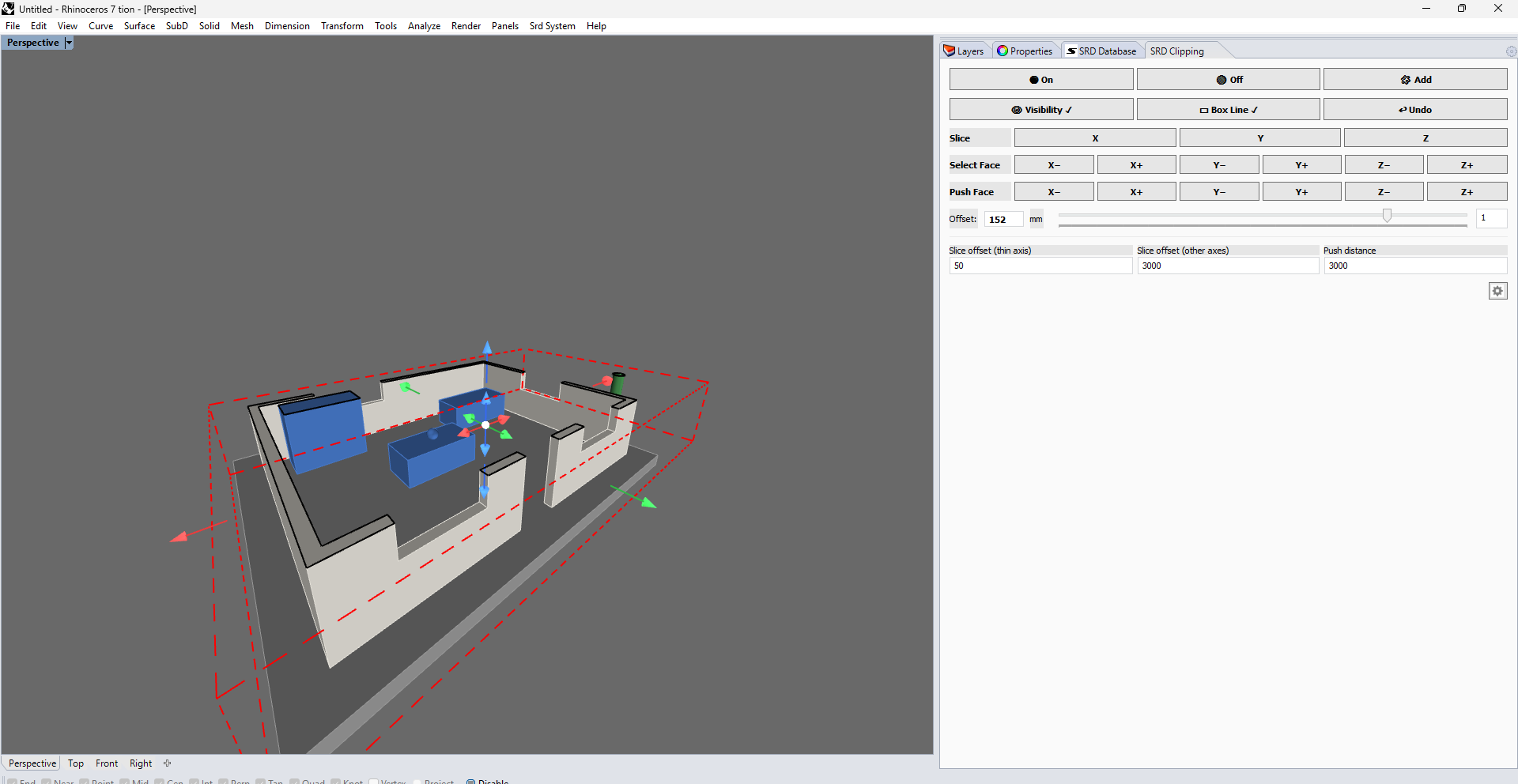
PUT THE SELECTION IN ONE BOX
Select objects and press ON; the six clipping planes fit around the selection as one box. OFF turns it off, ADD adds more objects; the box comes back where you left it.
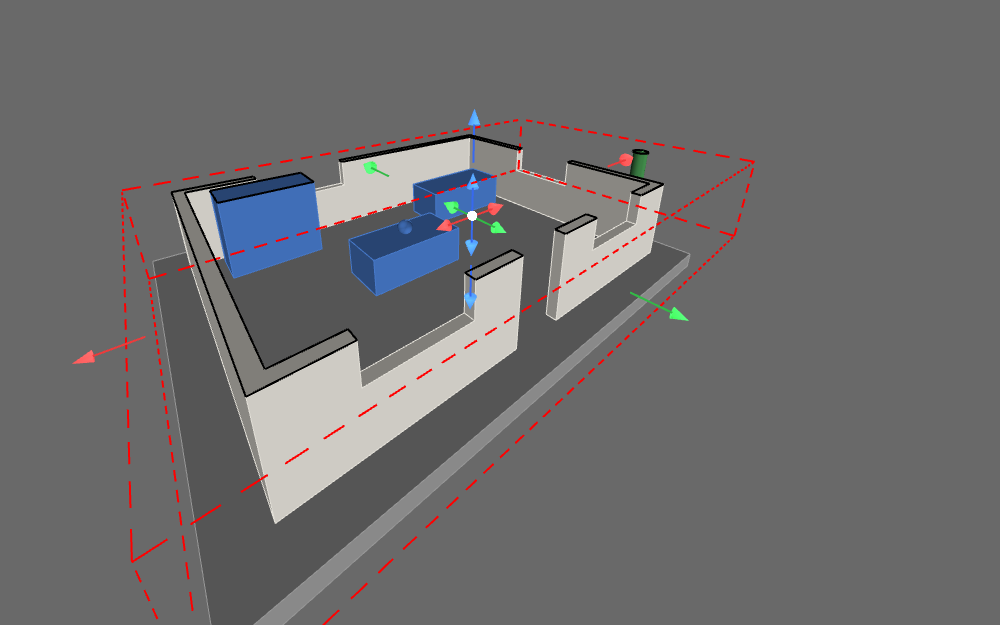
AN ARROW ON EVERY FACE
Drag the arrows, type a distance or use Rhino's nudge keys. The arrows snap to points and Alt turns snapping off; orbit and zoom keep working while you drag, heavy models too.
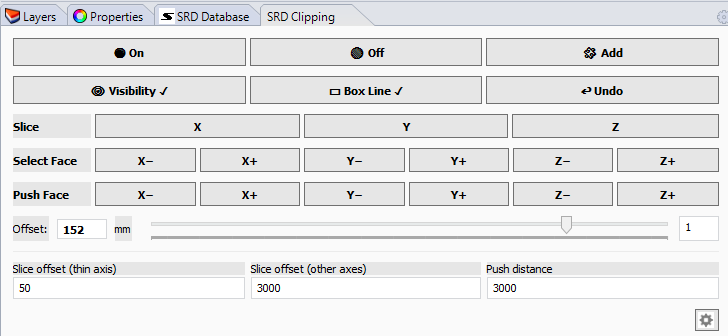
PANEL, MENU AND COMMAND
SLICE, SELECT FACE, PUSH FACE, UNDO, OFFSET, BOX LINE and VISIBILITY are the same in the panel, the Srd System menu and the SrdClipping command. Every option can go into Aliases and keyboard shortcuts.
ALSO
IN EVERY MODULESign-in, one-click update, diagnostics and an English / Turkish interface; all under the gear (SETUP) in the panel.
 SRD CLIPPING
The installer sets up this module plus the shared core. To add another module, run the installer again or use the multi-module download.
WINDOWS · RHINO 7 · FREE ACCOUNT AFTER THE FIRST WEEK
SEVERAL MODULES: DOWNLOAD TOGETHER